Microsoft Office
Build everyday confidence in Word, Excel, PowerPoint and the tools your work depends on.
PERSONAL TEACHING · PRACTICAL DEVELOPMENT
One-to-one online computer classes, programming guidance and practical skills—explained by a teacher who also develops software.
Yatendra is based in Noida, Uttar Pradesh. His development work covers websites, C#, .NET, ASP.NET MVC, Web API and SQL Server. At Fin Computer Class, he connects computer learning with guided practice and time for your questions.
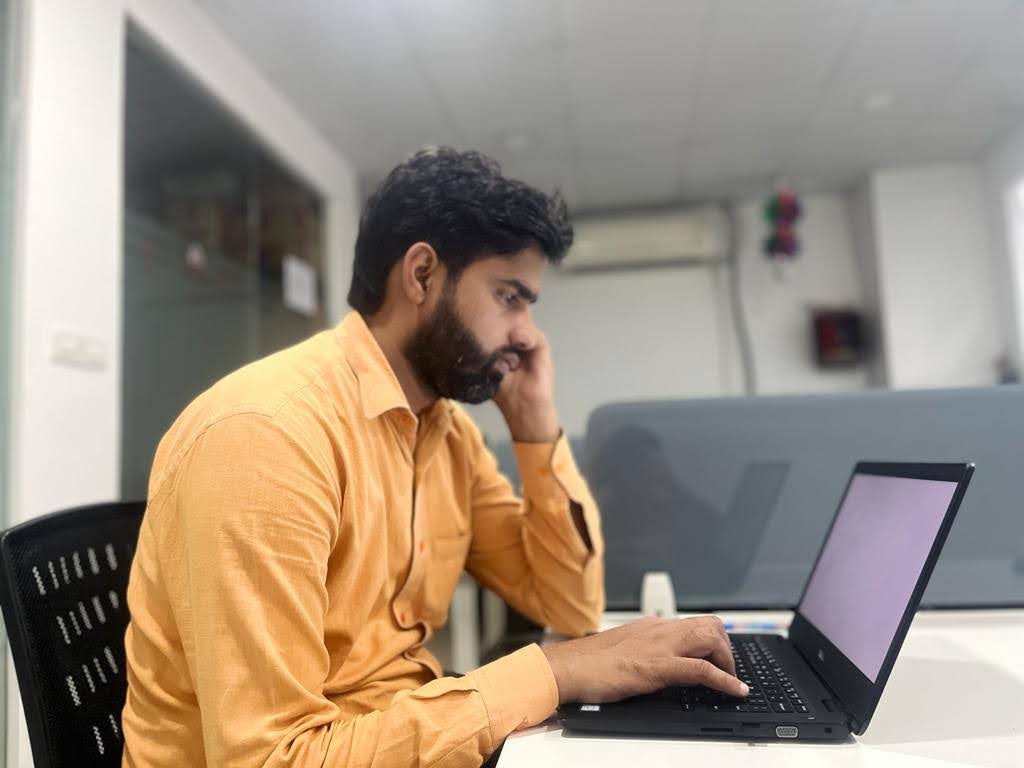
Photos from Yatendra’s professional profile.
MEET YATENDRA
Yatendra’s technical background centres on Microsoft technologies, web applications and relational databases. His work includes application logic, API communication, database queries and backend features for business workflows.
His academic and computer qualifications listed with Fin Computer Class include MCA, BCA, PGDCA and A Level (NIELIT).
Read his development profile ↗Explore classes, business rules, validation and application structure. Progress from C# foundations to ASP.NET Core and SQL Server projects when you are ready.
Connect page structure, responsive layouts and interactive behaviour. Study HTML and CSS, add JavaScript, then understand how a frontend communicates with backend endpoints.
Learn how tables, relationships, queries and stored procedures support real applications. The SQL Server course includes structured practice with sample data and database projects.
YOUR LEARNING JOURNEY
Your current level and learning goal shape the starting point.
Learn through live demonstrations and guided exercises. Bring your questions, discuss mistakes and review practical work with your teacher.
Explore one-to-one online classesFor institute classes and Noida home tuition, confirm the subject, timings and assigned trainer before enrolment.
FIND YOUR NEXT SKILL
From your very first click to your next career skill. Find a course and learn with a teacher who meets you where you are.
Explore all coursesBuild everyday confidence in Word, Excel, PowerPoint and the tools your work depends on.
Develop stronger Excel analysis skills with advanced formulas, data preparation, PivotTables, dashboards and an introduction to repeatable automation.
Practise accurate typing, organised records and the essentials of office data handling.
Browse, send professional emails, join online meetings and use the internet confidently.
Learn C programming from the first program to structured, file-based applications. Build your logic with worked examples, debugging and hands-on exercises.
Build practical C++ skills through object-oriented design, standard-library collections, resource management and projects you can explain and maintain.
Learn C# by writing useful .NET applications. Connect language fundamentals, object-oriented design, collections, LINQ and asynchronous work through guided projects.
Learn Python through clear explanations, short coding exercises and practical automation. Progress from data types and functions to files, APIs, testing and a complete project.
Create responsive websites with semantic HTML, CSS layouts and practical JavaScript essentials. Build a portfolio or business website that works across screen sizes.
Turn static web pages into interactive applications with JavaScript. Learn the language, DOM events, asynchronous requests, browser storage and practical testing.
Build a database-backed web application using ASP.NET Core, C# and SQL Server. Learn APIs, data modelling, validation, authentication, testing and deployment through a guided project.
Build a foundation in computer applications, office tools and everyday digital work.
Study computer concepts with structured lessons and practical exercises for exam preparation.
Start with the essentials, from using your computer to documents, email and the internet.
Practise accounting entries, reports and GST-related workflows using Tally.
Build practical accounting foundations and learn how digital tools support business records.
Get personal support with your school computer syllabus, practical work and exam preparation.
Learn SQL Server through database design, T-SQL queries, reporting, transactions and practical administration exercises. Work with sample business data and a complete database project.
Explore an extended foundation in computer applications, office tools and everyday digital work.
Create professional documents, reports, resumes and personalised letters with clear formatting and a repeatable workflow.
Learn spreadsheet fundamentals through everyday examples such as expenses, attendance, stock records and simple sales reports.
Plan, design and present clear slide decks for classes, business meetings, project reports and training sessions.
Build a small desktop database with related tables, useful queries, clear data-entry forms and printable reports.
Manage professional email, appointments, contacts and daily follow-up with an organised Outlook workflow.
Learn page-layout and print-production skills for existing Publisher documents, with an emphasis on preserving work and exporting usable outputs.
Extend your Access skills into more capable database applications using advanced queries, forms, reports and introductory VBA.
Use Teams to communicate clearly, organise shared work and collaborate on files without losing track of decisions and follow-up.
Plan a realistic schedule in Microsoft Project desktop, connect tasks, assign resources and track progress against an agreed baseline.
Turn a process or system into a clear diagram using structured shapes, meaningful connections and a readable page layout.
Learn how Microsoft 365 tools work together for documents, communication, file sharing, forms and day-to-day task coordination.
Turn business data into a clear reporting model with Power Query, relationships, DAX measures and interactive Power BI reports.
Organise files in OneDrive, work across devices and share documents with the intended people while keeping track of versions.
Create useful surveys, feedback forms and quizzes, collect responses with suitable settings and analyse the results in Excel.
Organise team work in Planner with clear tasks, ownership, deadlines and a practical progress-review routine.
Turn scattered reminders into a manageable daily routine using lists, due dates, recurring tasks and a clear review process.
Create a structured web-based story, report or portfolio using Sway, with readable content, suitable media and clear sharing settings.
Try “Excel”, “Python” or “computer”, or ask us for guidance.
A LITTLE CLARITY
Still deciding? Talk to a teacher about what you want to learn.
Ask us on WhatsAppYatendra Kumar Awana is a Noida-based computer teacher and software developer. He offers personal online computer training through Fin Computer Class, with a development background in websites, C#, .NET, Web API and SQL Server.
Yes. Discuss your current knowledge, preferred programming course and schedule. The course pages explain the syllabus, prerequisites, practical project and completion certificate requirements.
Yes. Start with computer basics, Office tools or an appropriate programming foundation. Your teacher can help you choose a suitable course before you enrol.
Home tuition is subject to sector coverage, the subject and trainer availability. Share your Noida locality and preferred time so the arrangement can be confirmed.
Yes. This website’s existing /yatender/ profile refers to Yatendra Kumar Awana. The original address is retained so existing links continue to work.
YOUR NEXT CHAPTER STARTS HERE
Tell us what you want to learn. We’ll help you find your course, teacher and class format.
WATCH. PAUSE. PRACTISE.
Watch a first C# program lesson to see how Yatendra introduces practical programming concepts.
Start with a simple C# console application that prints Hello, World! and learn how the first program is organised.
More lessons on YouTube